Create and share your room
Sign in, hit create, and send the room code or link to your friends. That's all it takes to get everyone in.
Create a private watch party room, invite friends with a code, and watch together with synced playback, voice chat, reactions, shared playlists, and support for YouTube, Google Drive, Netflix, JioHotstar, and Crunchyroll.
Now Supporting





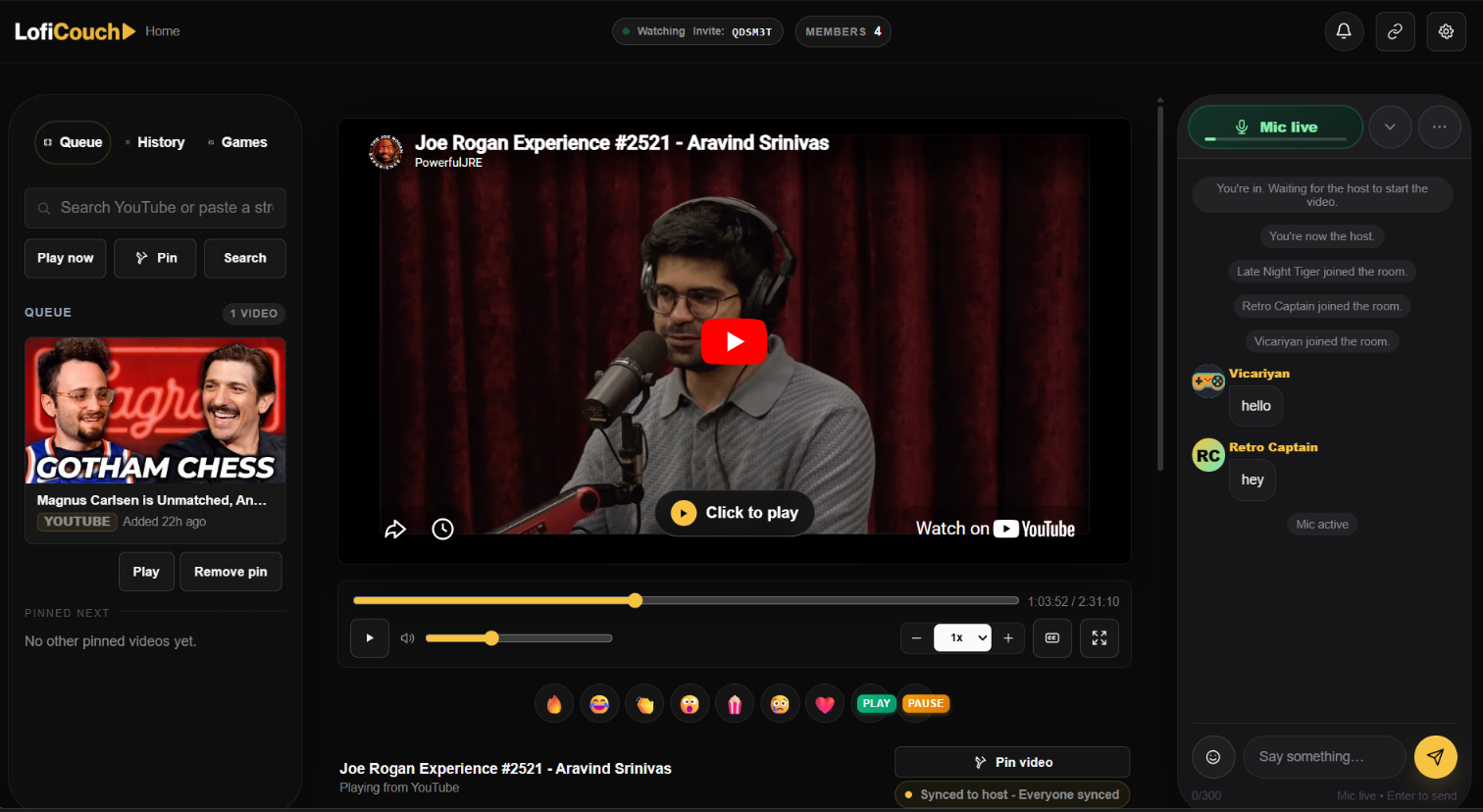
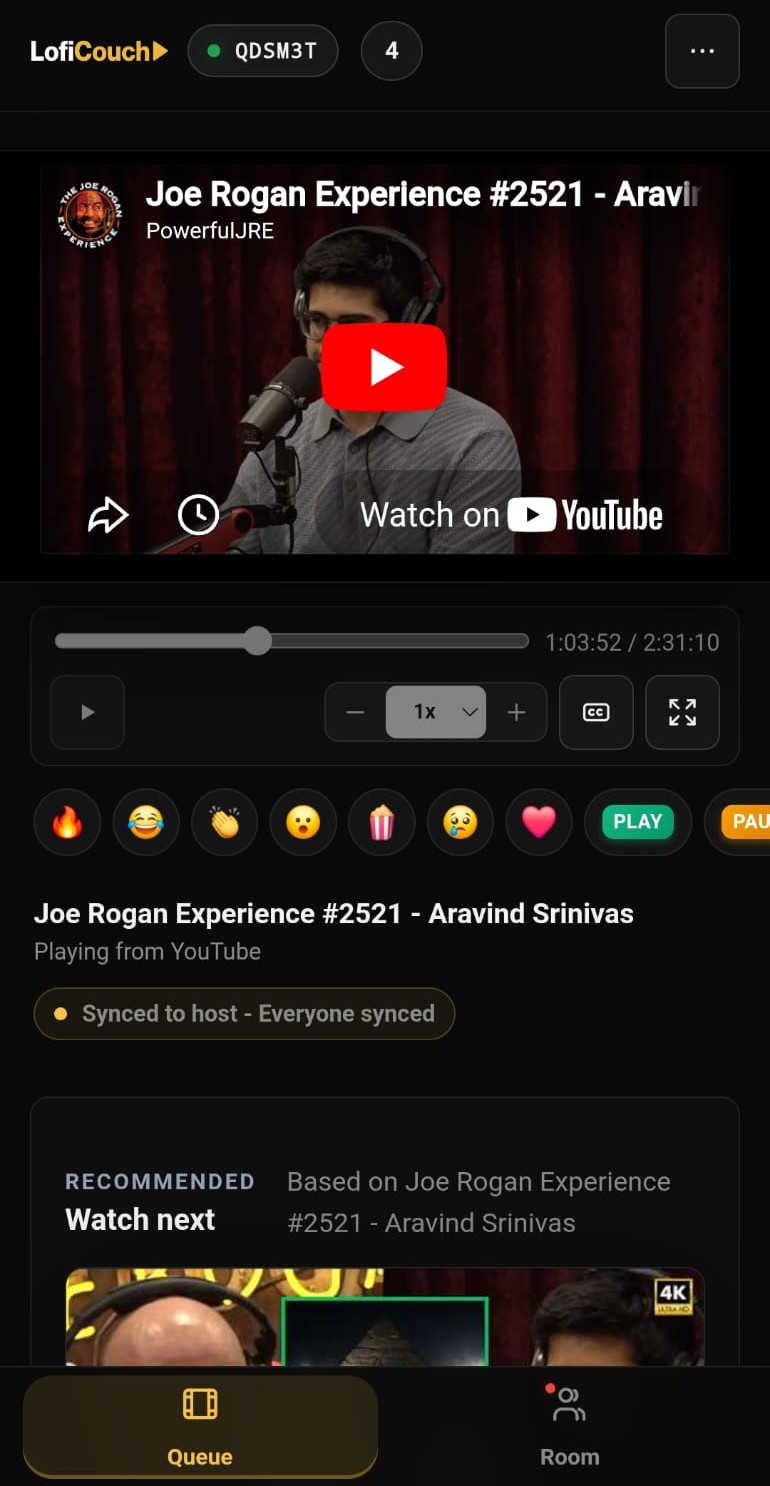
Sign in, create a room, and share the code or link. Your friends join instantly, no downloads needed. Pick a YouTube video or drop a Google Drive link, queue up what's next, and watch in perfect sync from any phone or laptop.
Sign in, hit create, and send the room code or link to your friends. That's all it takes to get everyone in.
Search YouTube inside the room or paste a Google Drive link. Add to the queue and keep the night going.
The host controls playback. Everyone follows, whether they're on a phone or a laptop.
Voice chat and text chat are built right into the room. React out loud or drop a message without ever leaving the video.
A shared queue keeps what's next ready, and your room history means you never lose track of what you watched.
For Netflix, JioHotstar, and Crunchyroll, the video plays on the streaming service website, not inside LofiCouch. The host opens a title on desktop, and the LofiCouch extension detects it and starts the room stream. Guests open the same service in their own desktop browser, while LofiCouch keeps sync, chat, voice, reactions, and history together.
The host starts Netflix, JioHotstar, or Crunchyroll in a desktop browser with the LofiCouch extension installed.
The extension recognizes the streaming title and connects that tab back to the private room automatically.
Friends join the room, then open the same streaming service website in their own desktop browser.
LofiCouch does not restream the video. Each viewer watches through their own provider account.
Host-led sync, voice, chat, reactions, members, and history stay in LofiCouch around the streaming session.
A private room for synced playback, live conversation, shared picks, and the small controls that keep movie night from feeling like setup.
Host playback once and the room follows together across YouTube, Drive, Netflix, JioHotstar, and Crunchyroll.
Built-in voice keeps reactions, jokes, and quiet comments inside the same room as the movie.
Add videos, jump between picks, and keep the next watch ready before the current one ends.
Create a private room, share a short code or link, and keep the watch party simple for guests.
Text chat and quick reactions sit beside playback for the moments that do not need a full voice interruption.
Saved rooms and recent watches make repeat movie nights easier to restart with the same group.
For protected streaming, everyone watches through their own account while LofiCouch keeps the room together.
LofiCouch is built for small groups who want one room for the video, invite code, shared queue, voice, chat, reactions, and host playback controls.
LofiCouch is a watch party app for private rooms with synced playback, voice chat, reactions, shared queues, and invite codes.
Yes. You can search YouTube or paste a YouTube link inside a room, then invite friends and let the host guide playback.
Friends can join a room with a link or room code. Signing in helps with saved rooms, profiles, and repeat watch nights.
LofiCouch rooms are browser-first and work best on laptops, desktops, and modern mobile browsers for room features like chat, voice, and YouTube or Drive playback.
You only need the LofiCouch extension for supported protected streaming services like Netflix, JioHotstar, and Crunchyroll. You do not need it for YouTube or Google Drive rooms.
Yes. You can minimize the extension popup while keeping your watch party connected. To learn more, check out our extension help page.
No. For protected streaming services, each viewer watches through their own account while LofiCouch coordinates the room experience around playback.
Yes. LofiCouch includes voice chat, text chat, and quick reactions so friends can stay together without switching apps.
Yes. You can create a room, invite friends, and start watching together for free.